
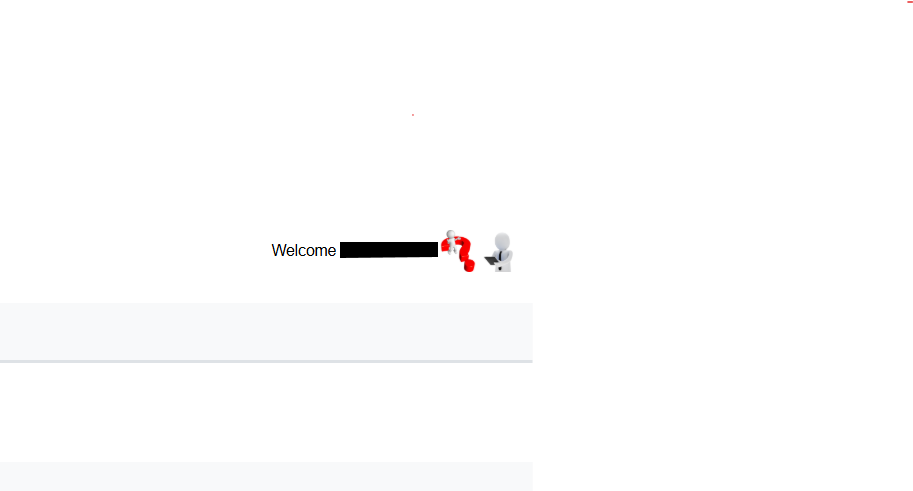
On every page top right corner you see following banner and icon which shows who is logged in , a help button which will take you to the wiki docs page related to the current page you are on, and a selectable profile button.
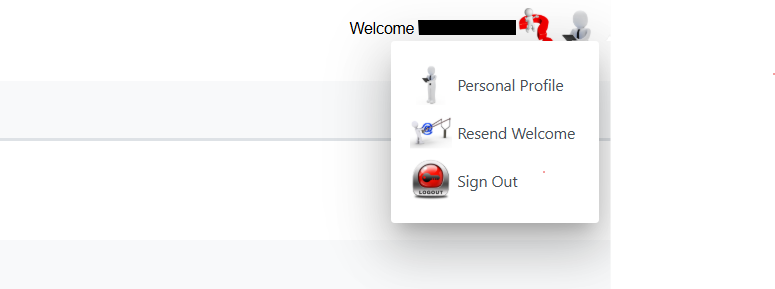
Selecting the Profile button brings up the following menu
Personal Profile allows you to change your password, language preference and default landing page as seen in screenshot below.
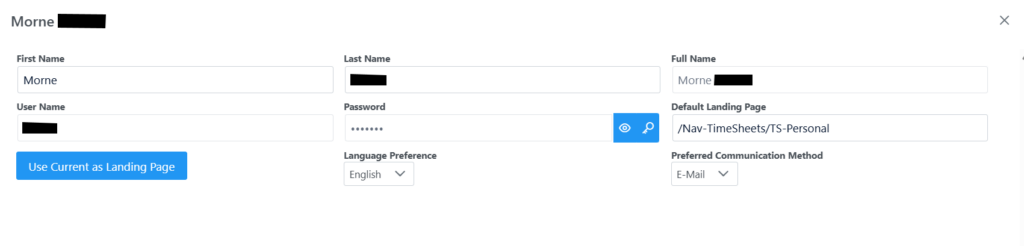
To Change your password select the key in the password section which will bring up an input screen for new password, and submit.
User Current as Landing Page can be used on any page desired to be set as landing page when you log in. For example if you want to open on the Job Cards tab on login, go the the Job Cards Menu, click Profile, Personal Profile and click “Use Current as Landing Page” and click save.
Language preference have English and Afrikaans.
Preferred Communication Methods are E-mail and Cell Phone.
The Resend Welcome Message sends an email with your login details and password.
The Sign Out button signs you out of the system.