Selecting an appointment shows the following details.
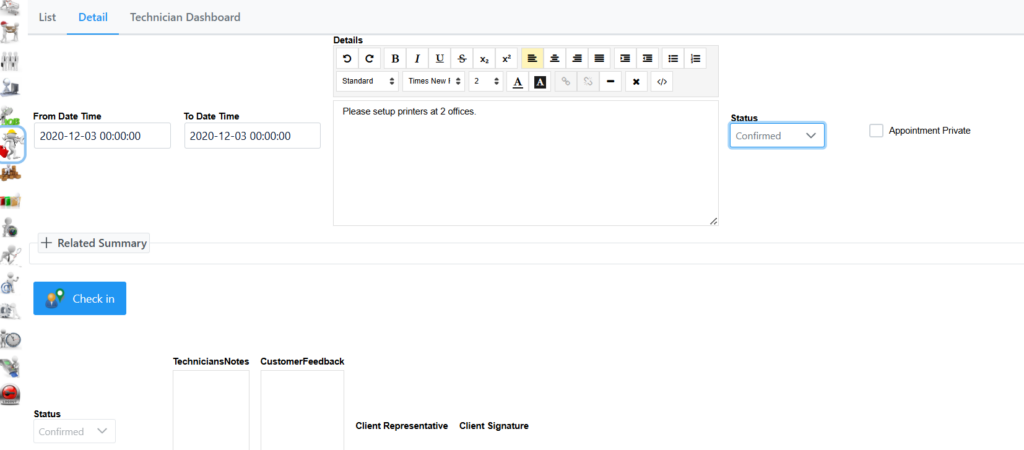
Here you are able to check in, check out and change the status of the appointment.
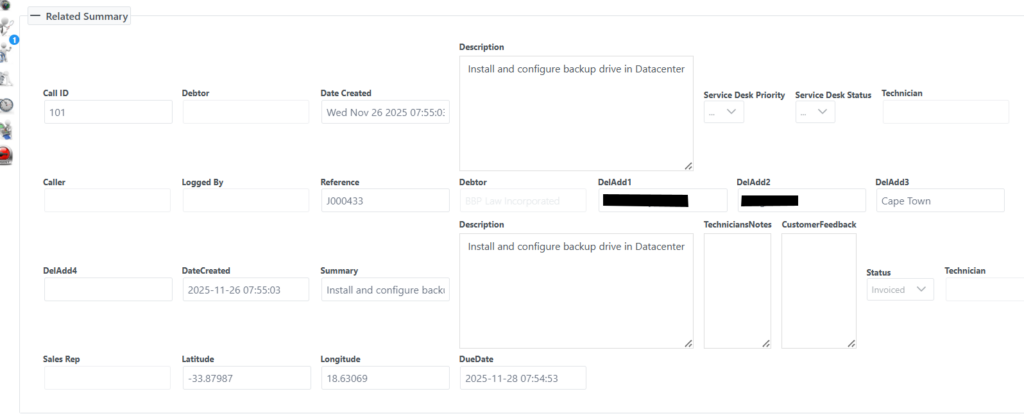
The related summary is not expanded by default, by expanding it you will see more detail related to the appointment as seen in the following screen. None of these fields are editable, they will be prepopulated if all fields were filled in on creation of the Job Card or Servicedesk Call.