The Job Cards dashboard shows couple of options.
First would be a map of all Jobcards, you can use the + and – sign top left of screen to zoom in and out.
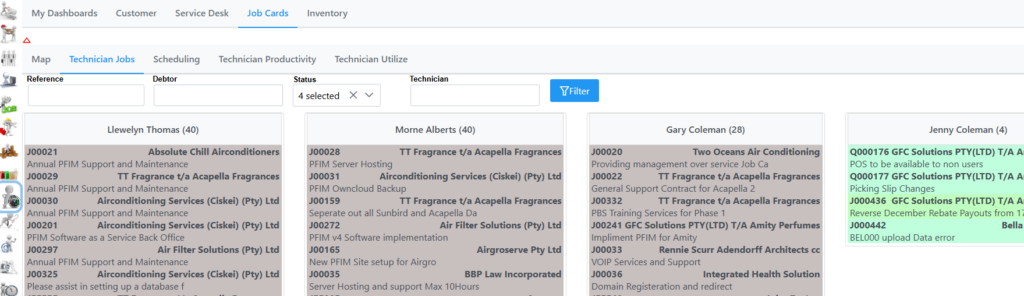
Technician Jobs by default displays all Technician Job Cards, you do have 4 criteria’s to filter on.
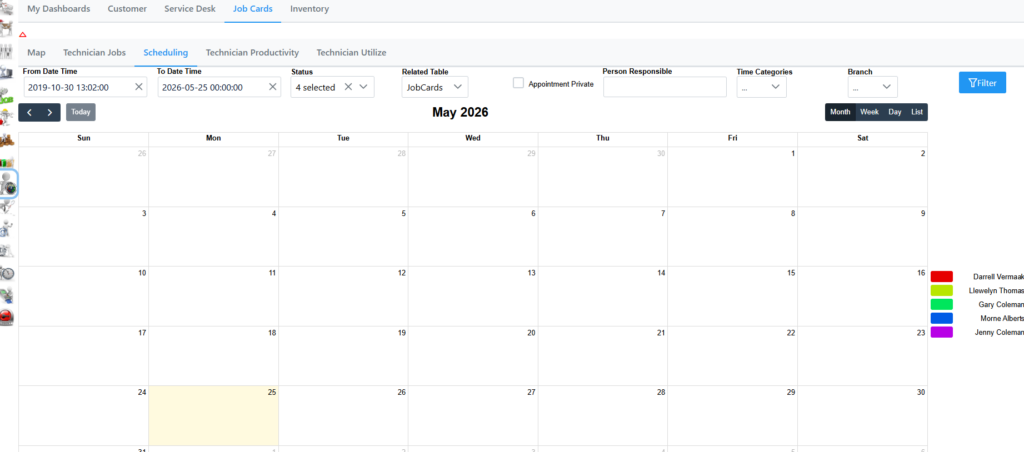
Scheduling displays all appointments dependable on your criteria you selected.
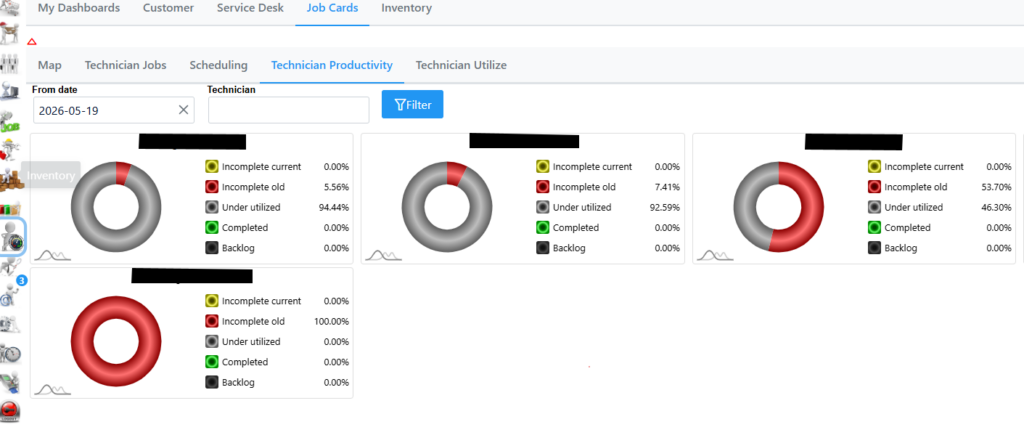
Technician Productivity dashboard provides a visual overview of how effectively technicians are performing their work over a specific period. You can filter on date and Technician as seen next.