
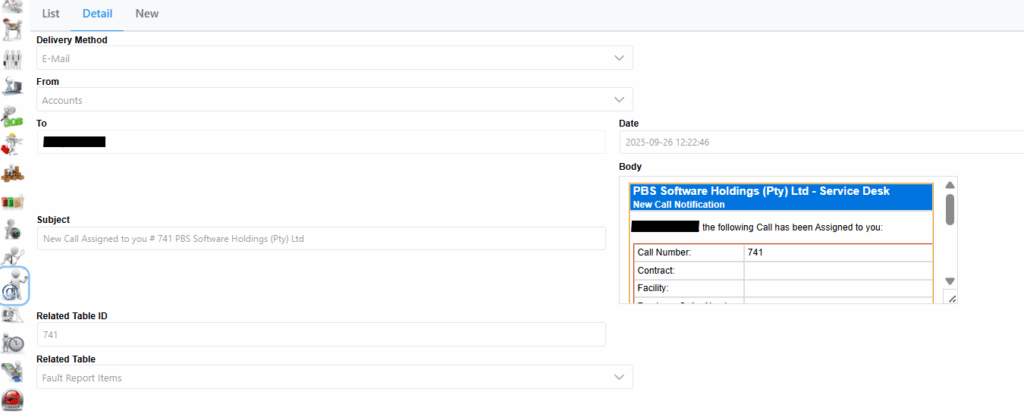
The following screen shows more detail on a email sent out of the system.
Selecting an email sent To the system will have different details and tabs as seen next.
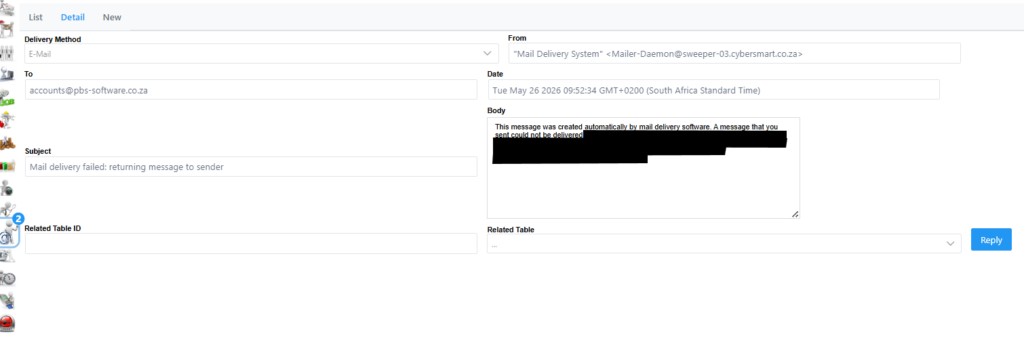
You have the option to reply to an email by clicking Reply as seen next.
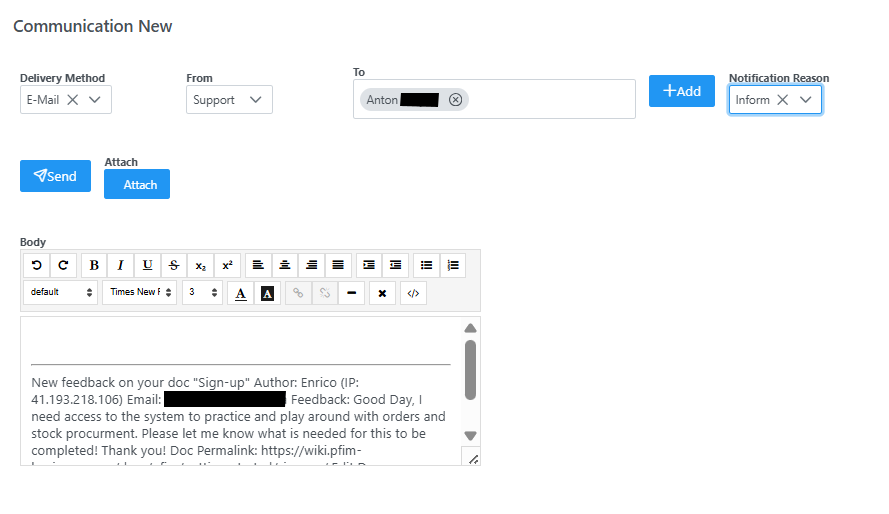
Choose your notification Reason based on what the email is about and type your message in the body field. The Send button will only appear once you have done so. Then click Send to send the email.