
The following default landing page is displayed when logging in for the first time. You will find the page unexpanded and without a menu to the left.
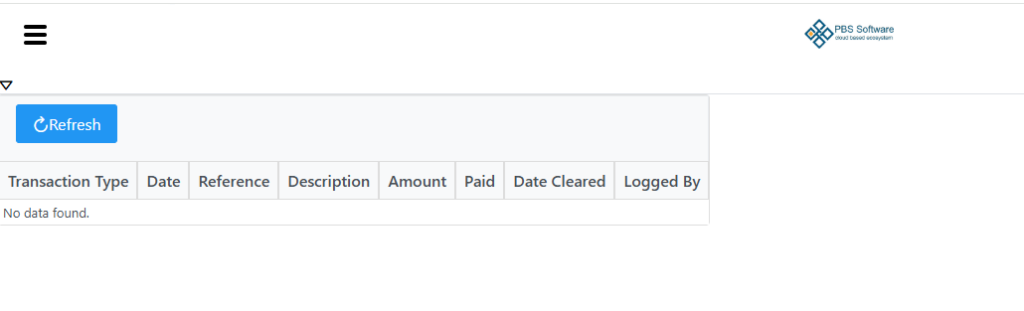
Click the hamburger (3 little stripes) on the top left of the screen to display your menu to access different modules as seen beneath.
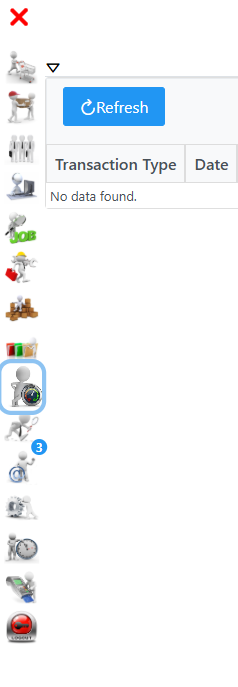
Select the little arrow on the top left tab above the refresh button to expand the page showing additional tabs. Once expanded you will see My Debtors Transactions , Store and My Communication.
To change your default landing page away from Dashboard please see the User Profile section.