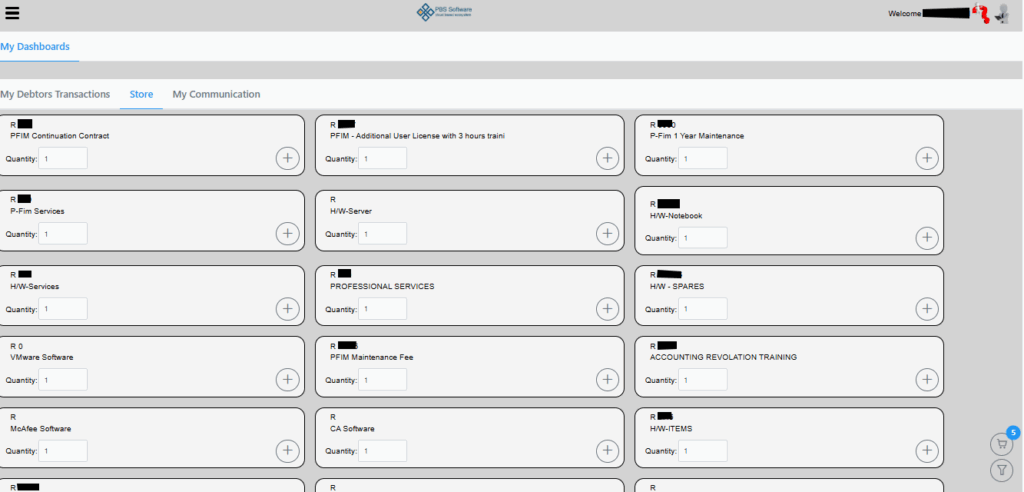
On selecting the Store tab you will see the following screen.

Here you can select the product and amount by hitting the plus sign. As you select the necessary items, it will be added to your cart which is displayed on the bottom right corner. You can also use the filter button bottom right corner to filter on more specific items.
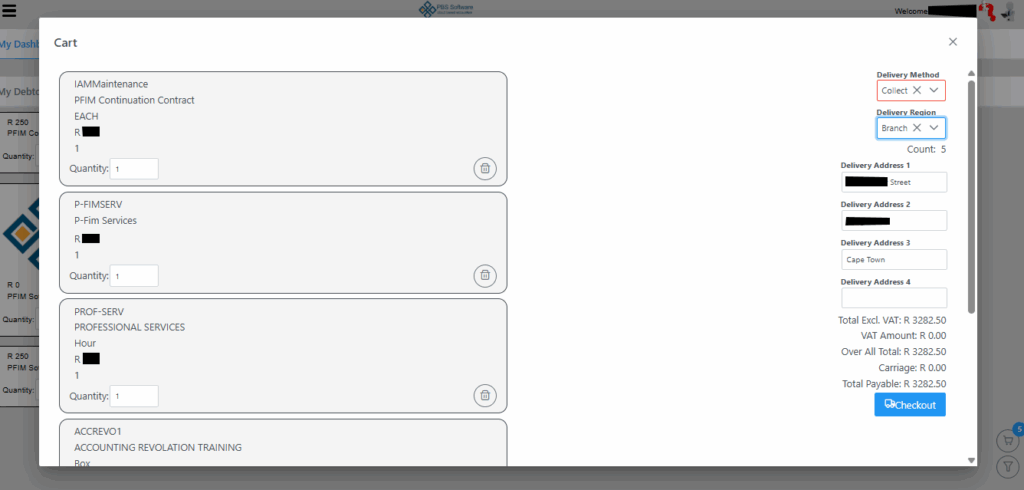
On selecting the cart you will be presented with the following screen. On this page you need to select Delivery Method and also Delivery Region. Delivery Method gives you the options of Collect, Postnet or Couries and Delivery Region is Branch, SA or Worldwide. By selecting the preferred method, the amount payable will be auto calculated dependent on the predefined charges set in the system.
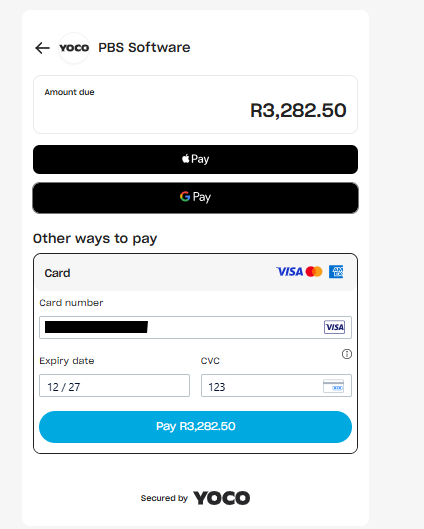
On selecting Checkout, you will be redirected to the following YOCO screen where you must capture your card details for payment. Once details are successfully captured , the Pay button will turn blue and you can proceed to pay. You can also clear your cart or remove items by selecting the Trash bin icon.
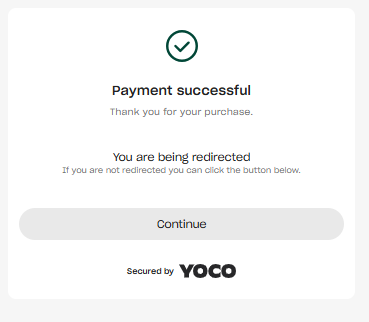
On successful payment the following screen will be displayed for couple of seconds before taking you back to the main page