
Delivery Method Tab is where delivery methods are added in the system. By default E-mail and Cell Phone is enabled as seen in following example.

To add a new method, click Add. The following screen will display where you must input the details in the Res String and Data String.
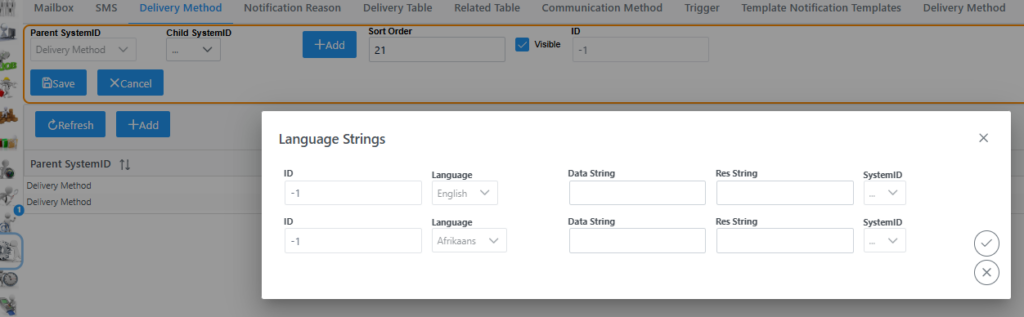
Once details are added, remember to click submit and save back on the main page to except changes.