
By default when logging in for the first time you won’t see a menu and the page is not expanded as in following picture.
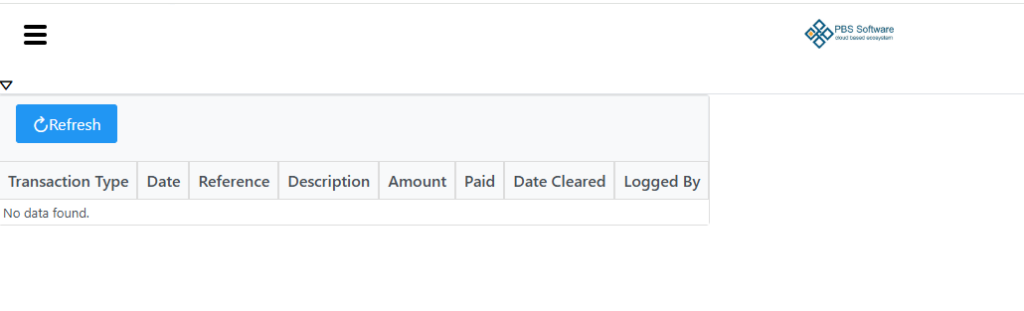
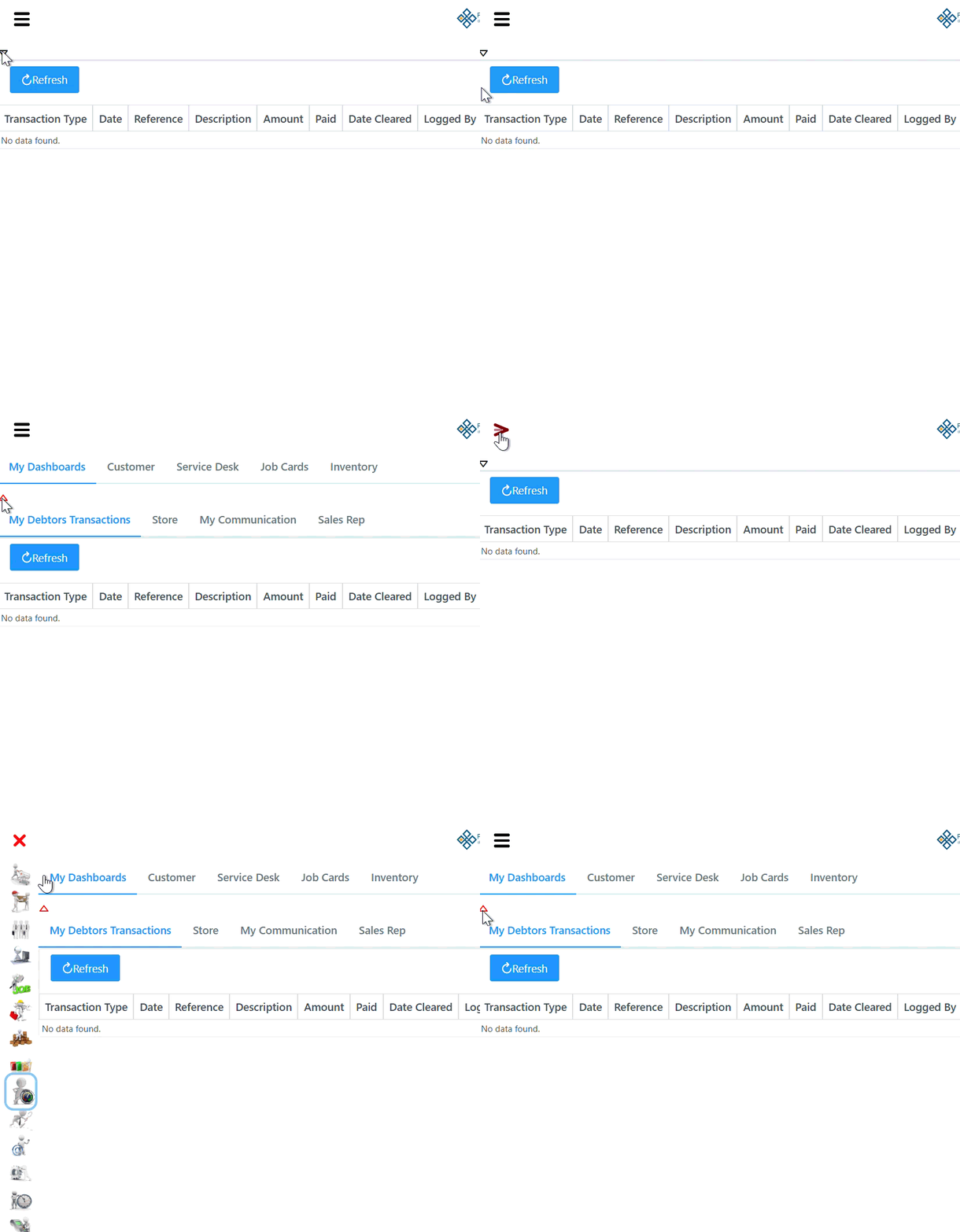
Click the hamburger (3 little stripes) on the top left of the screen to display your menu to access different modules as seen beneath. On any tab in the program you are able to click the Red X to hide the menu again.
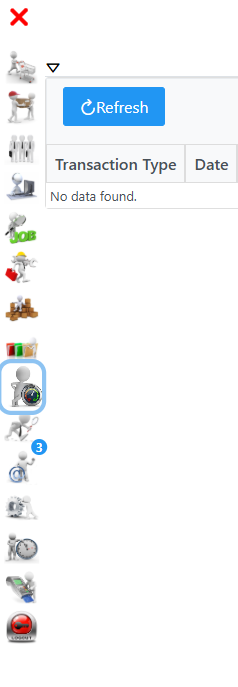
Select the little black arrow on the top left tab above the blue refresh button to expand the page showing additional tabs and details as seen in example beneath. To collapse the window again, just select the little red arrow.
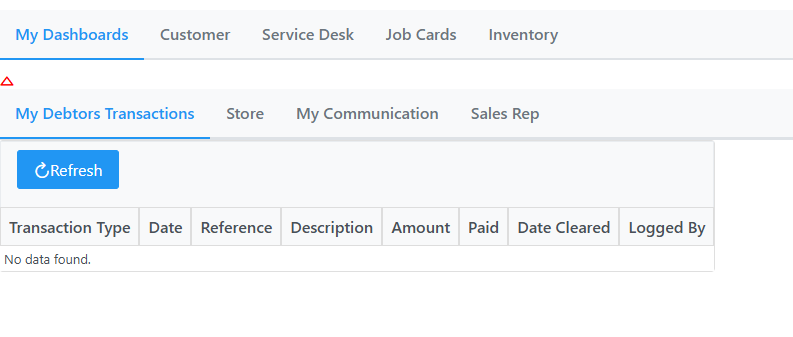
See following example for a better understanding.
On all the pages there is a help button on the top right corner which will take you to the wiki documentation for help regarding the page you are currently on.