
In the Calendar Tab is where you add a new financial year.
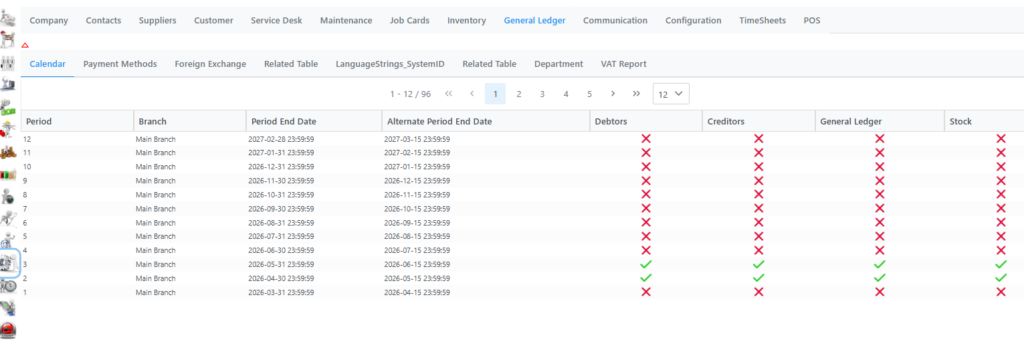
Right click anywhere on the grid and select New financial year. That will add a new year from 1March to 29Feb. You then need to select a new month coming and tick the relevant tick box for Debtors, Creditors, General Ledger and Stock you want to process for. Click Save when done.
To close a financial year, right click on the grid and select Year end Close, a confirmation box will display where you can select submit, print or cancel.