Selecting Stock Category tab will list all or any different categories setup in the system as seen in the following screen.
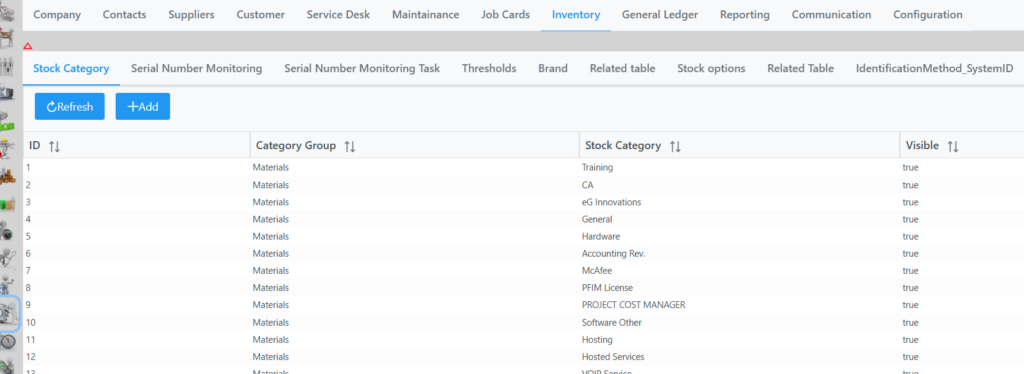
You have the ability to right click in the grid to move item up or down and Add new.
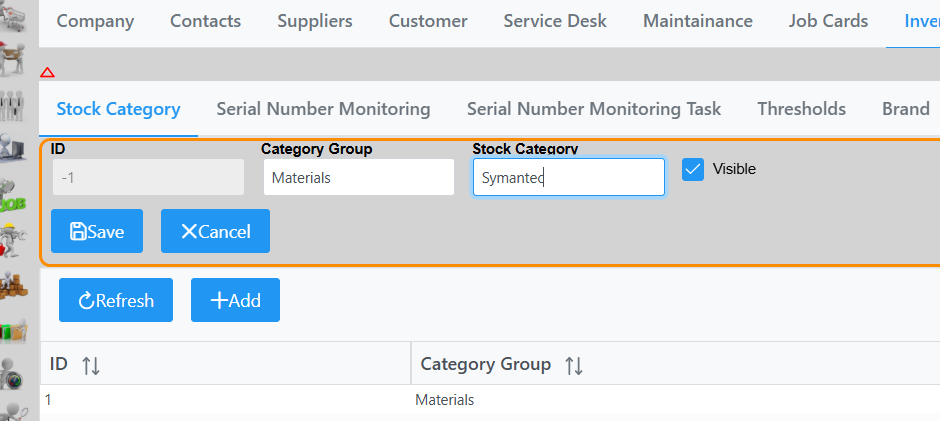
When adding a new item, input the Category Group and Stock Category, mark it as visible and click Save as in following example. Remember to click Save bottom right corner of screen as well.