
Request for Quotes tab will show the following screen.
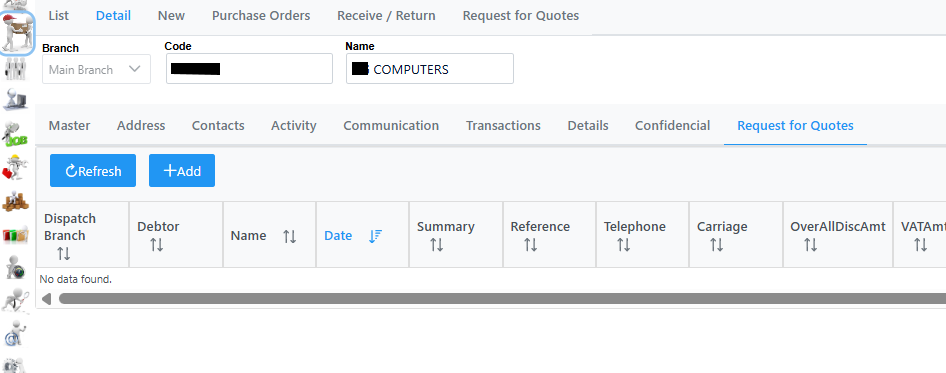
Click Add to create a new request. The following window will open where you need to capture all details accordingly.
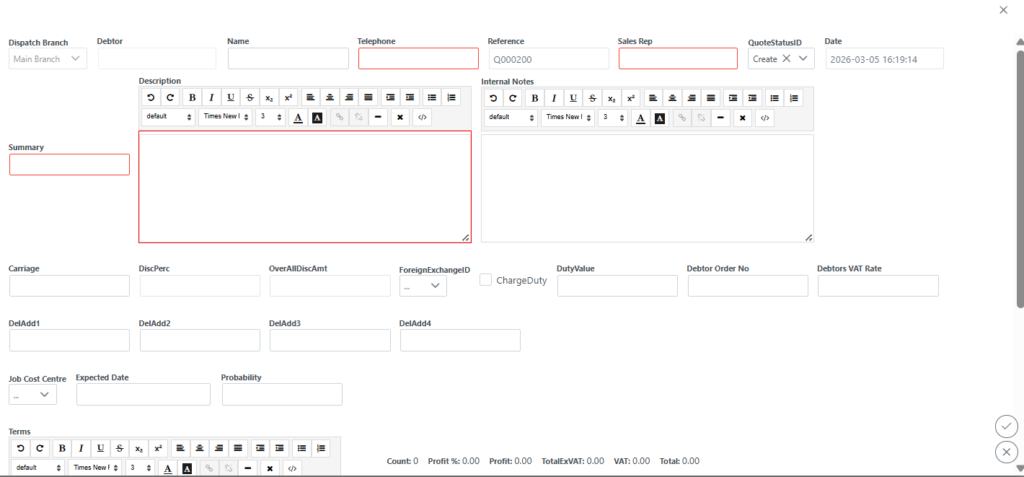
Select the Add button on bottom of screen to add your stock item and quantity you are requesting as in the following screen.
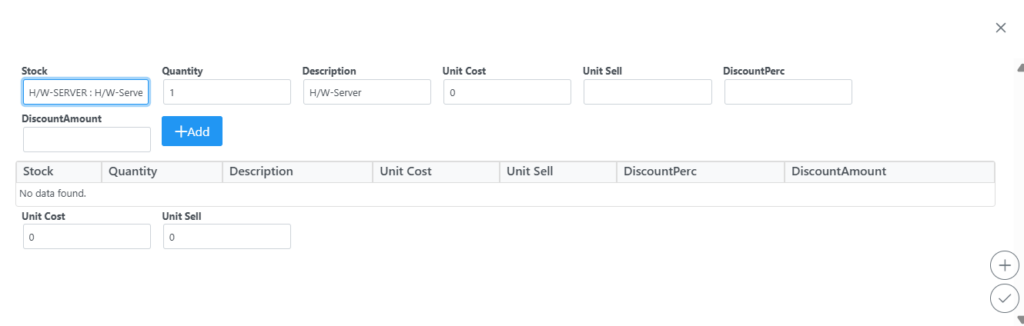
Remember to click submit to save your changes. You will then be taken back to the main screen where you need to submit again to save your changes.