
Communication shows all communication related to the Customer and also what type of communication. Use the drop down button to expand the list accordingly.
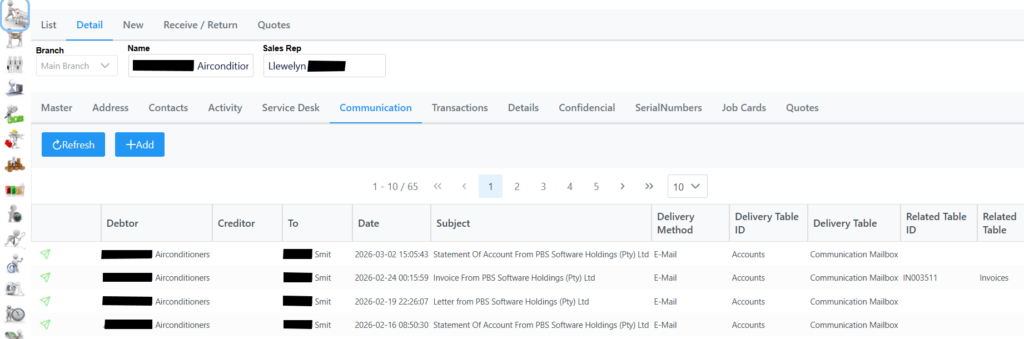
Add button allows to add a communication to the debtor as explained in the Communication New section. Or click Refresh to show possible changes. You can also click on a communication which will open in a preview window with more details.
The following tab at the bottom of the page is where you setup the notification templates. Only if a contact is associated with this debtor will you be able to add it here to receive Tax Invoice, Statement or Tax Credit Note.

To delete a contact select it from the list which will then open in a new window, click delete and save.