

To Sign up an account Scan this QR Code.
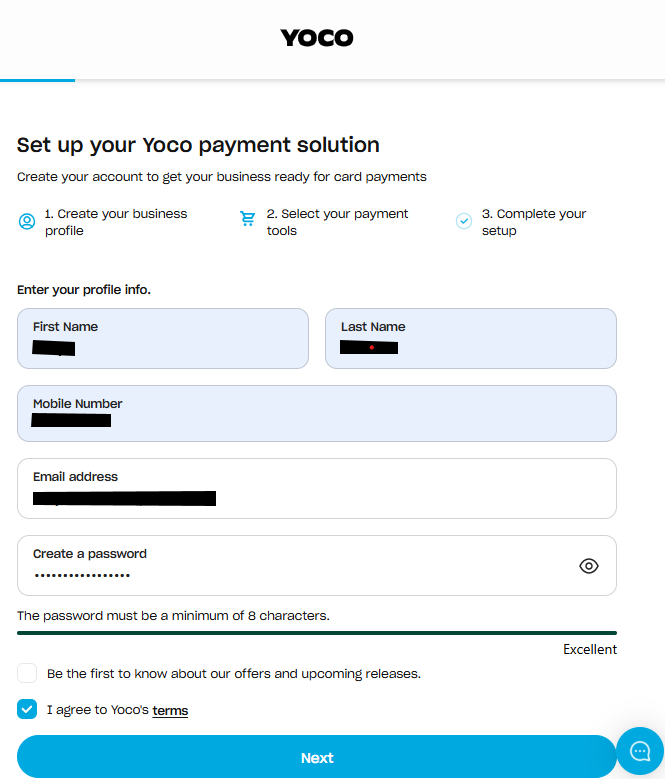
Complete the signup form with your personal details. Then select Next.
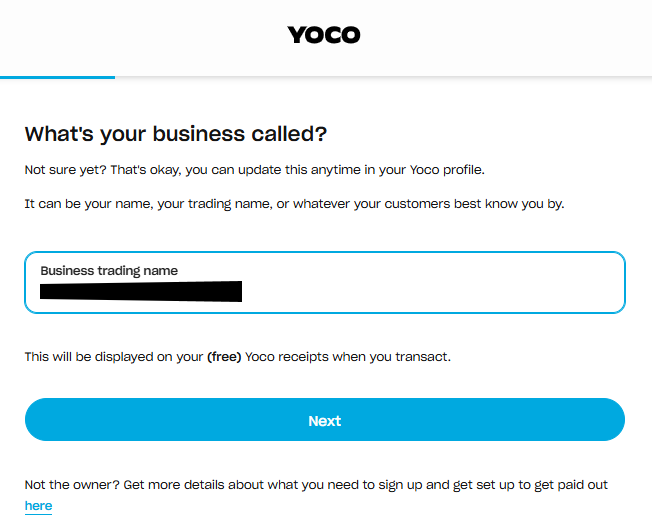
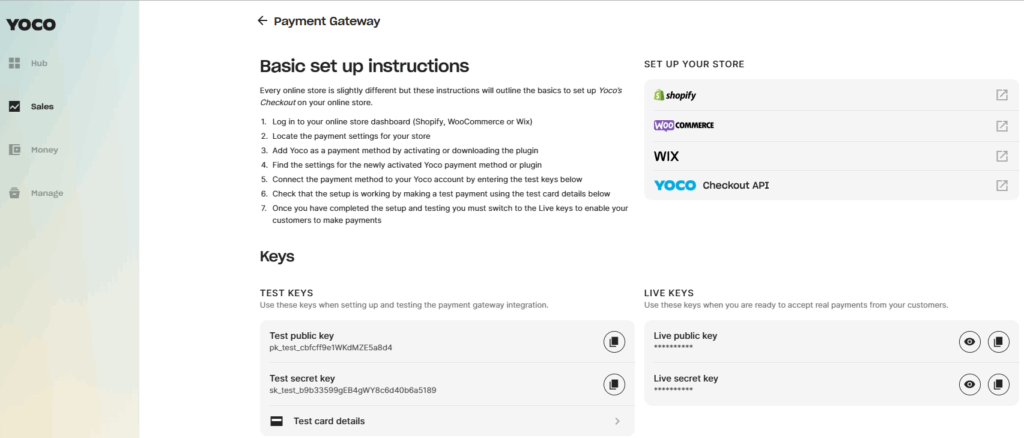
Once Setup we will need your Key’s communicated with Support. Keys can be found in the Sales Tab under Payment Gateway, Live Keys, DO NOT Share them both together. We will add an interface in Configuration to edit these Keys yourself in an upcoming version.
Creating your Yoco Details in PFIM
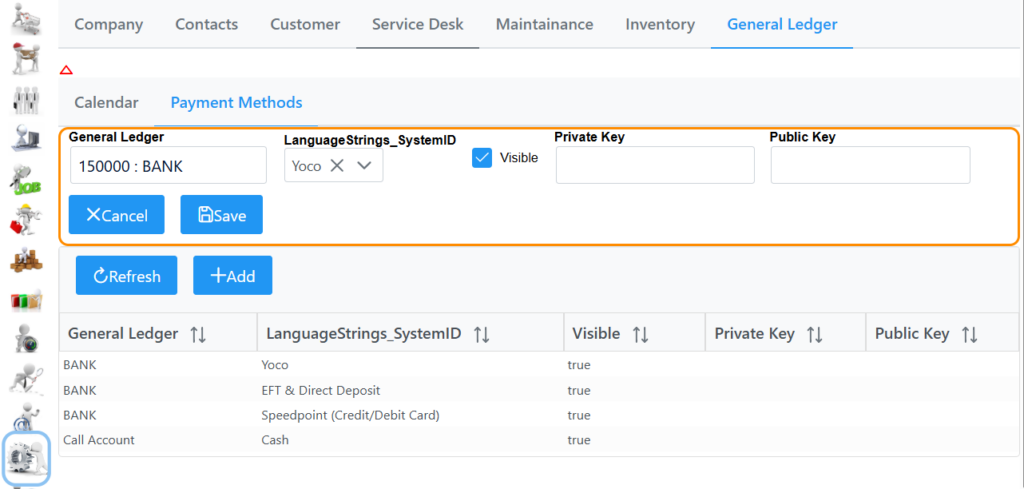
In PFIM the administrator can set up a New Bank account under General Ledger called Yoco if desired.
Then in Configuration – General Ledger – Payment Methods you can set your General Ledger Bank account as well as capture the Private Key and Public Key found on your Yoco account in Sales Live Keys.