
The Picking Slip screen shows a list of all processed POS transactions.
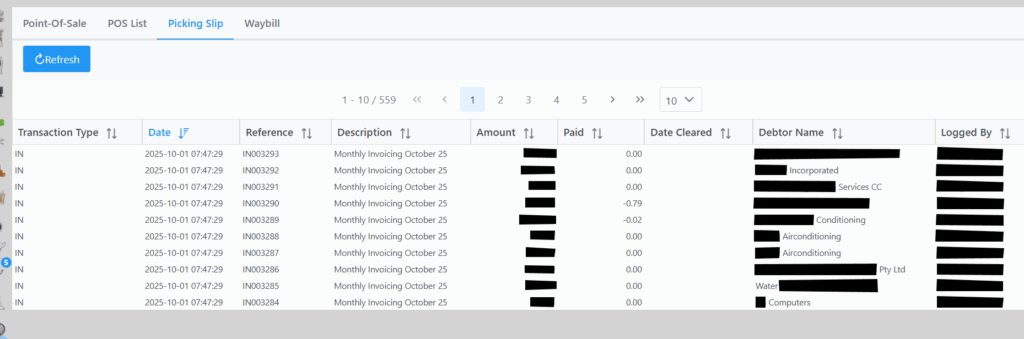
Selecting a Picking Slip will bring up the following screen where you can view more details.

If you right click on a POS transaction you will get a list of options to choose from.
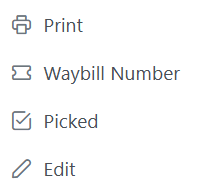
Print: Prints the Picking Slip.
Waybill Number: Submits a Waybill number. Once Waybill number is captured it removes the invoice from the picking slip list.
Picked: Marks the invoice status as picked. Once marked as picked it removes the invoice from the picking slip list.
Edit: Brings up another detail screen where you can view more detail or make changes.