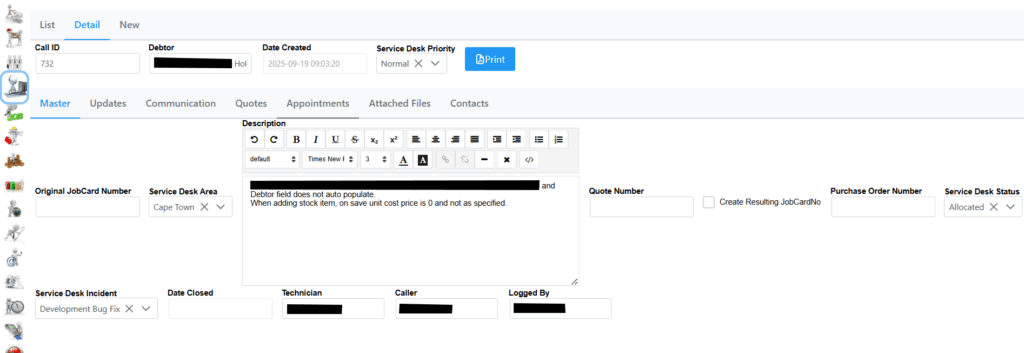
Selecting a ServiceDesk Call shows the following details.
In the Master tab you will see all information related to the call and can be updated accordingly.
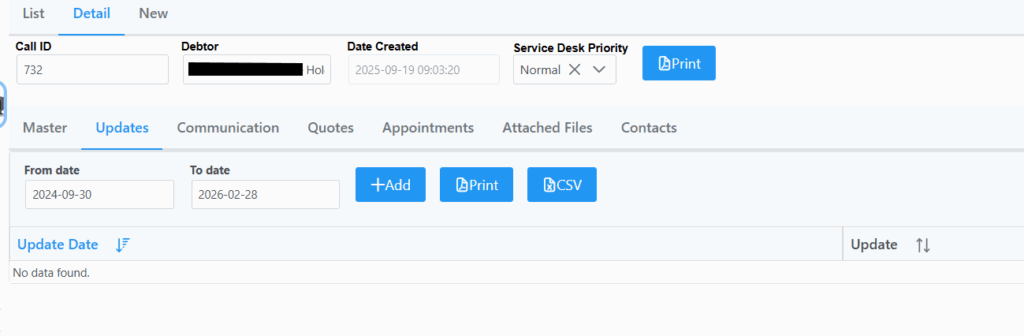
Updates lists updates which transpired on the call. You also have the ability to Add an update, Print the list of updates, or export to CSV.
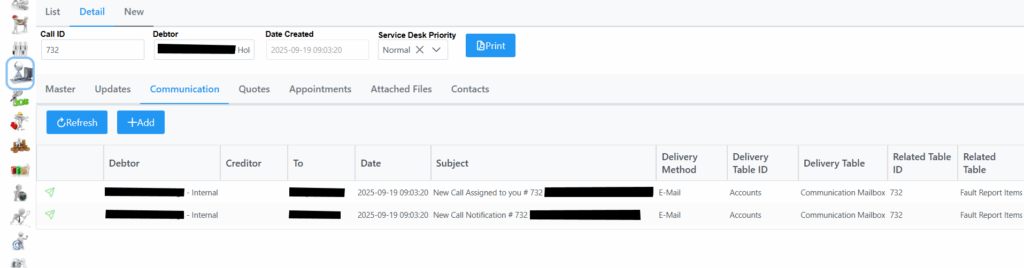
Communication lists all Call related communication such as email or sms being sent out.
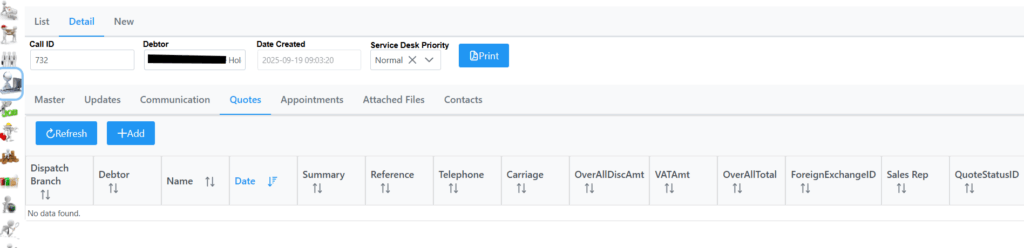
Quotes lists any quotes linked to the call, or have the ability to Add a new quote as explained in the Quote section.
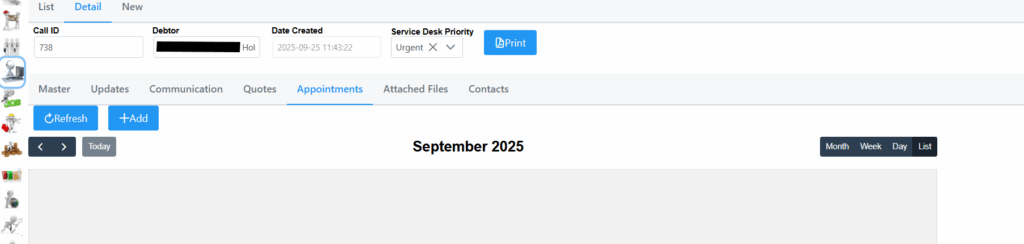
Appointments lists any appointments scheduled on this call.
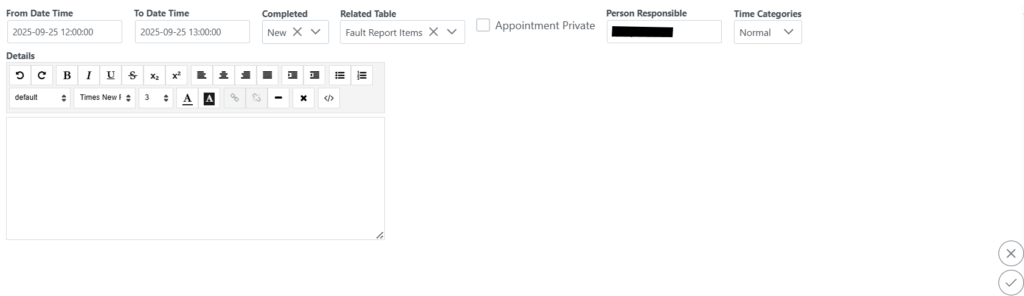
You can add an appointment by selecting the Add button. The following screen will be displayed where you can add the from and to date and time, and all relevant details. Remember to click submit in the bottom right corner.
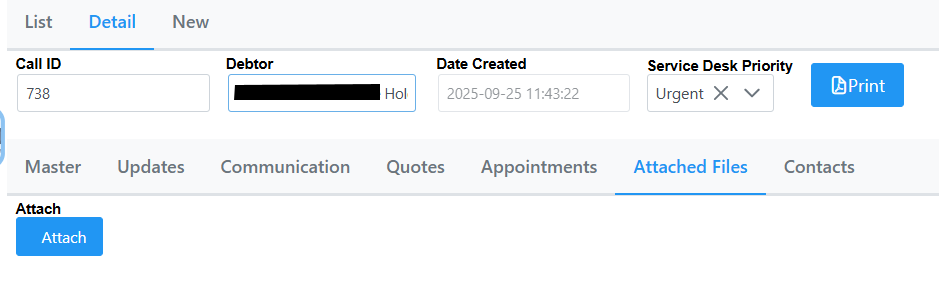
Attached Files shows any attached files related to the call, or add an attachment.
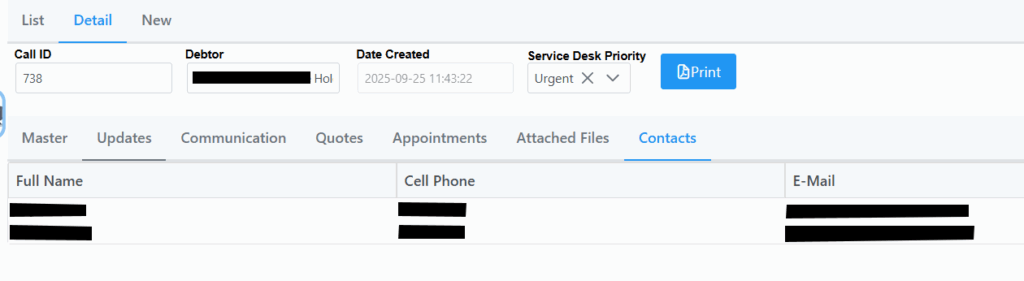
Contacts lists all contacts linked to the current call. It includes the Caller, Technician and Logged By.