
On selecting Request for Quotes, the following filter can be applied accordingly.
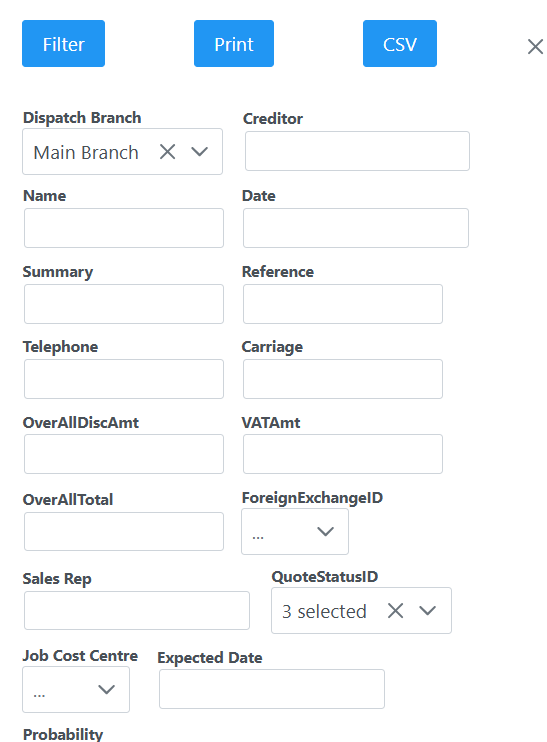
Once filter is applied, you will see relevant quotes requested, or have the ability to add a new quote request.

Click Add to create a new request. The following window will open where you need to capture all details accordingly.
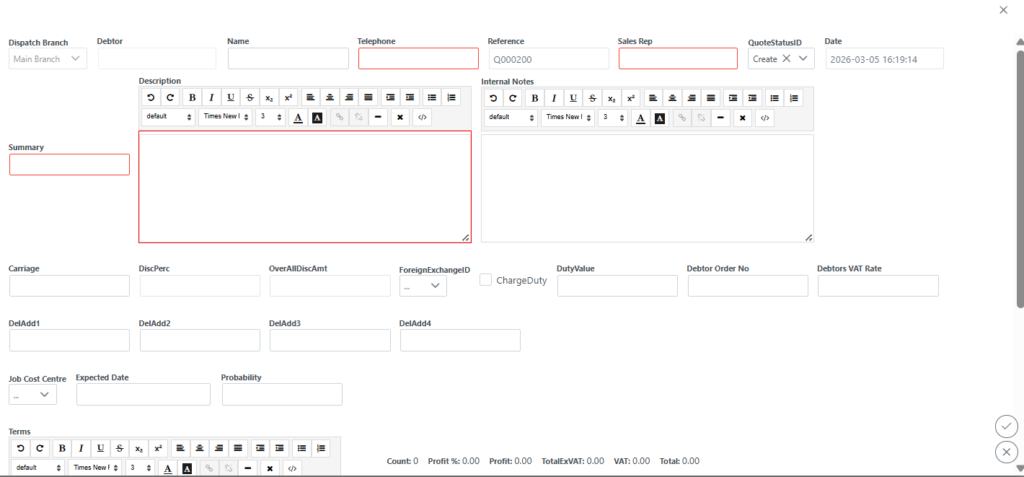
Select the Add button to add your stock id and the amount you are requesting as seen in the next screen.
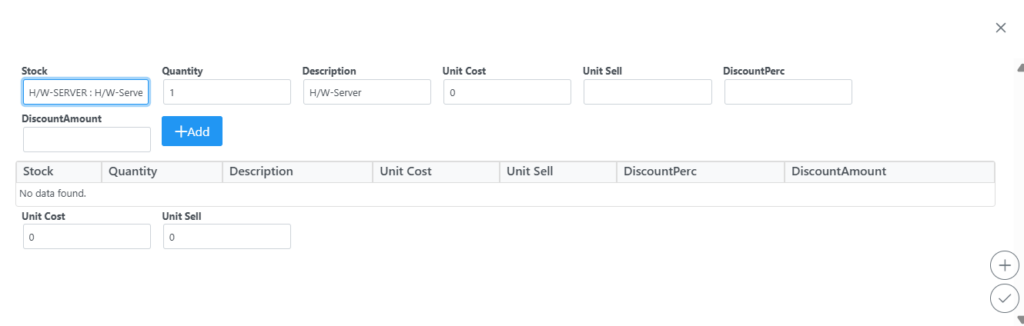
Once items are added, click submit to take you to the main quote screen, click submit again to apply your changes.