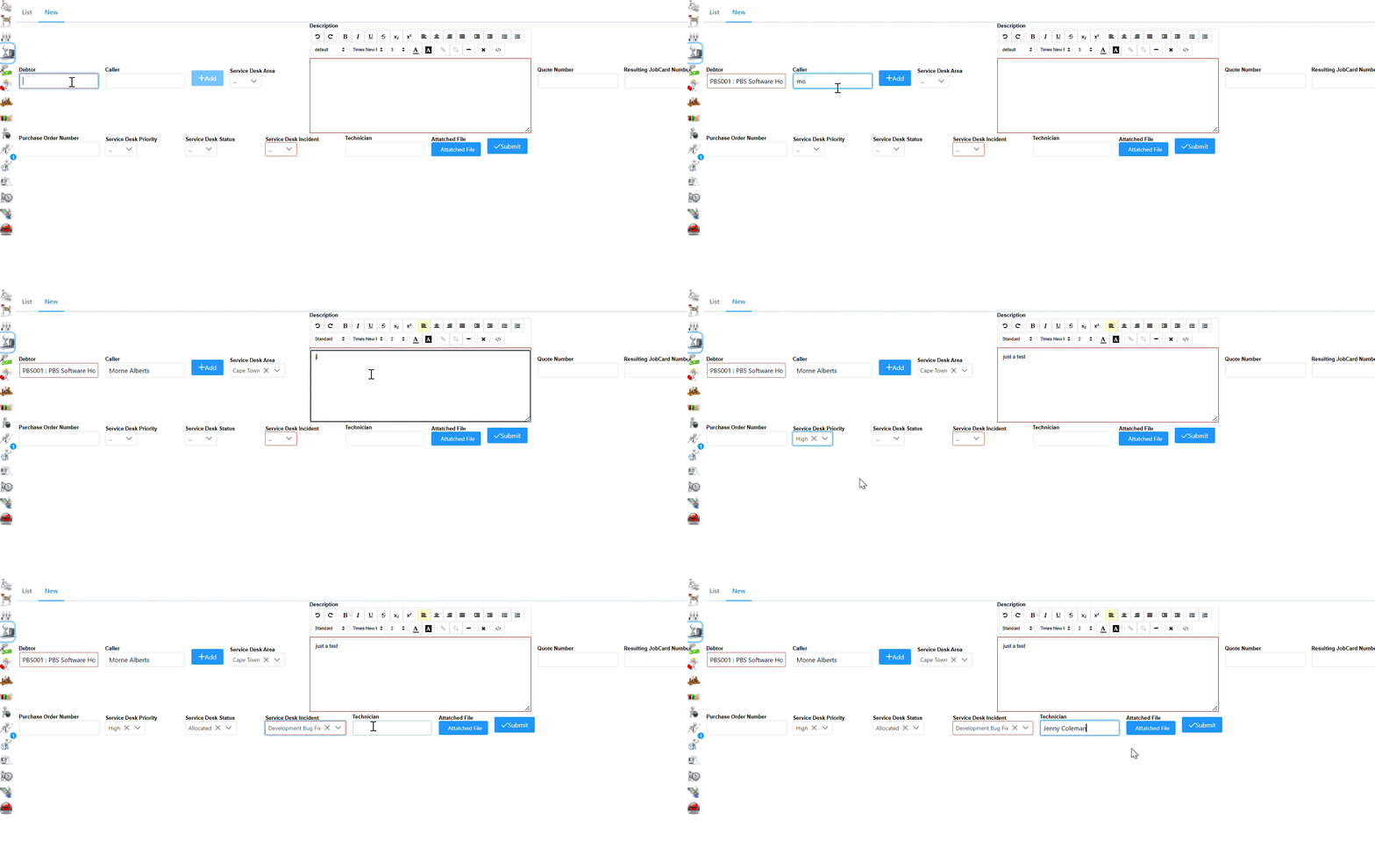
Select New to log a new call as seen in the following screen.
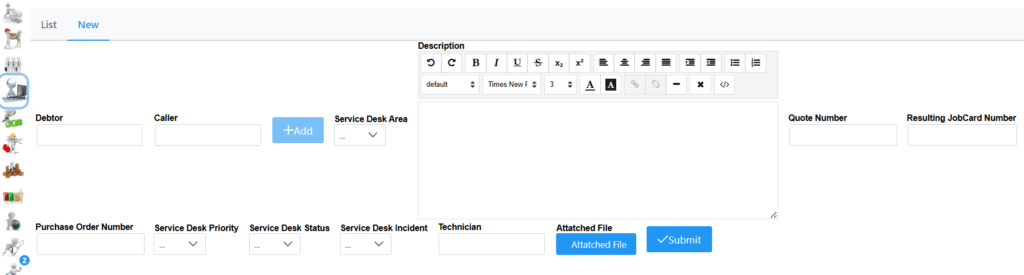
Here the debtor can be specified by typing first few characters which will bring up a list. Choose correct debtor/customer. If a Caller is linked to the debtor, by typing first few characters of his name in caller tab, it will show in list which you can select. Fill in description of the call. If call needs to be linked to an existing quote or jobcard, please specify accordingly.
Service Desk Area, Priority, Status and Incident must be set accordingly. Incident Type is required and will determine if a Job Card is generated or not. See the config section for more details. Technician can be captured by entering first few characters of the name. File can be attached as well with info relating to the call.
If your system is set to close Service Desk Calls based on JobCard being Closed this will use the System User to Complete these Calls.
See following example for a better understanding.