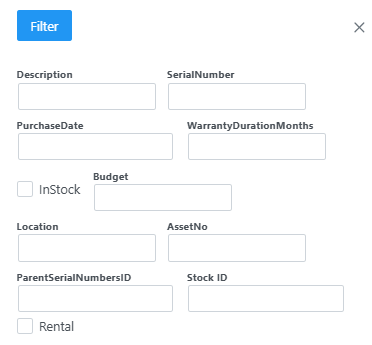
When selecting SerialNumbers, you are met with the following filter where you can filter accordingly.
Once filter has been applied, you will see the list screen.

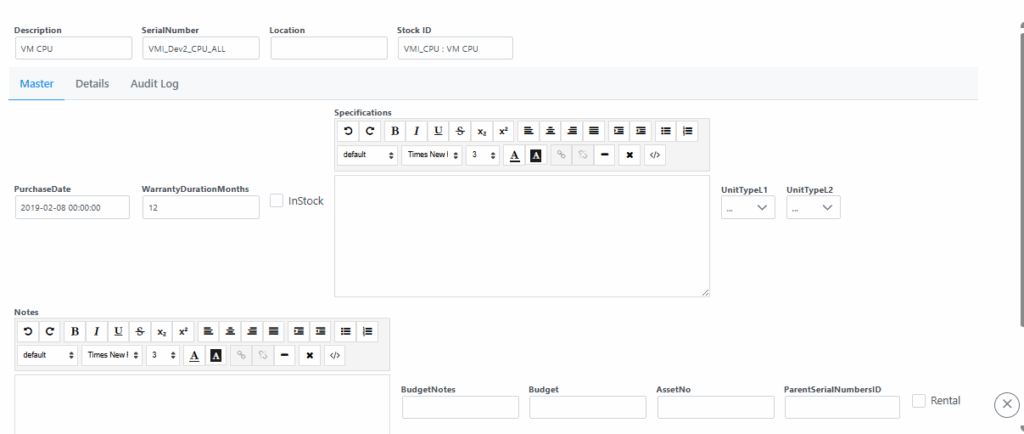
By selecting Item from the list, it will open the details page where item can be updated or edited.
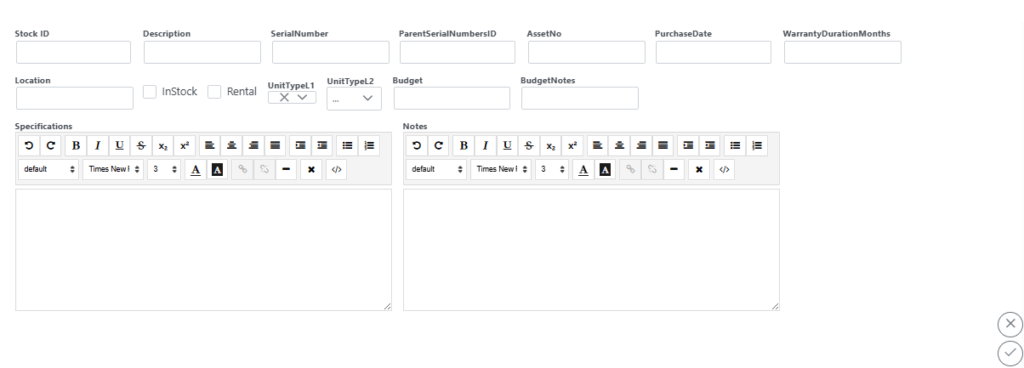
By selecting Add on the top of the SerialNumbers page, you will be presented with the following window where all details can be captured accordingly. Remember to click submit to save.