
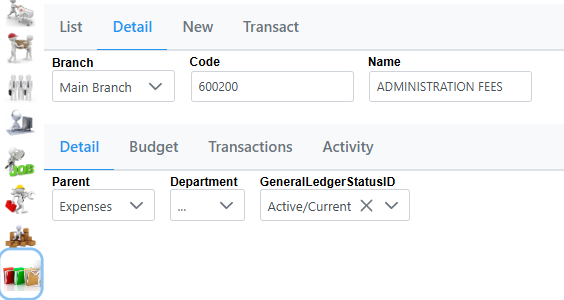
If you click on an account in the List tab it will take you to the Detail tab. The Detail tab shows you all the details of a specific account. Here you can also change the Parent to a different category which has been pre-defined. Department can be set, and GeneralLedgerStatusID can be updated as well to Prospect, Active/Current or Archived.
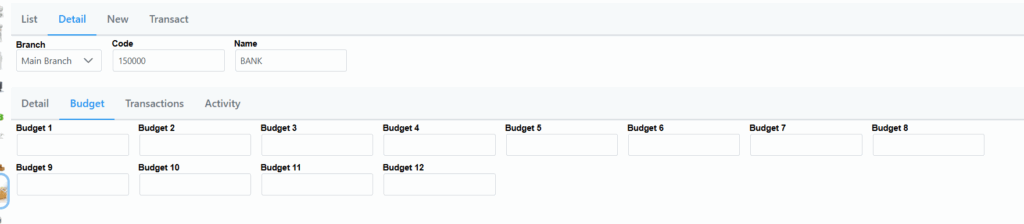
The Budget Tab will display any budgetary information as per beneath.
On sellecting the Transactions Tab, you will see the following screen.

It will show a list of transactions and their relevant details. Once again the dropdown list can be used to make the sellection bigger. You also have the option to export the data to CSV by hitting the CSV icon.
By sellecting the Activity tab you will be able to see all activity related to this account as in the following screen.
