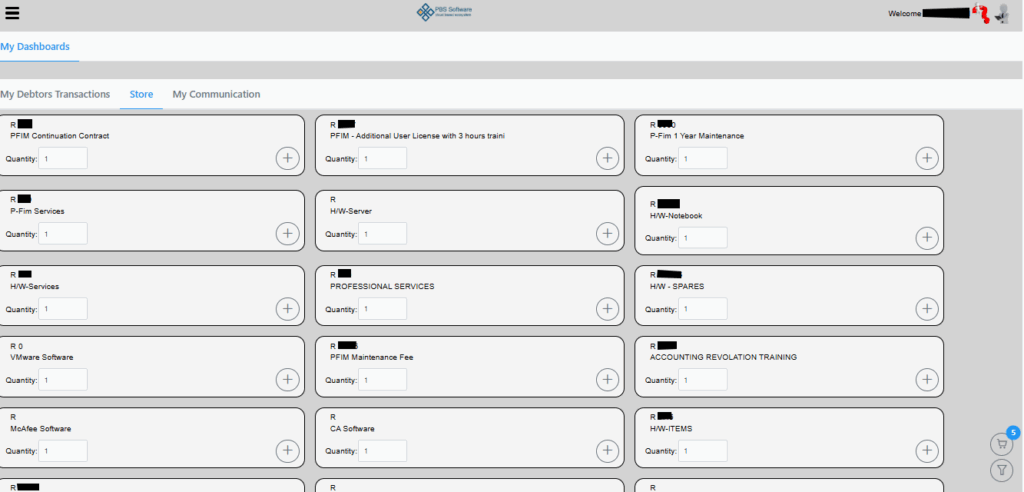
On sellecting the Store tab you will see the following screen.

Here you can sellect the product and amount by hitting the plus sign. As you sellect the necessary items, it will be added to your cart which is displayed on the bottom right corner. You can also use the filter button bottom right corner to filter on more specific items.
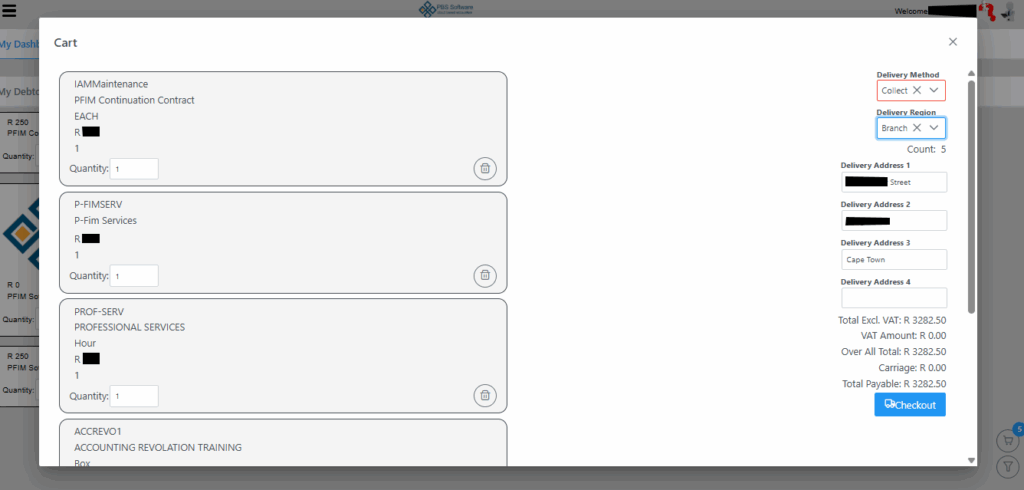
On sellecting the cart you will be presented with the following screen. On this page you need to sellect Delivery Method and also Delivery Region. Delivery Method gives you the options of Collect, Postnet or Couries and Delivery Region is Branch, SA or Worldwide. By sellecting the preffered method, the amount payable will be auto calculated dependend on the predefined charges set in the system.
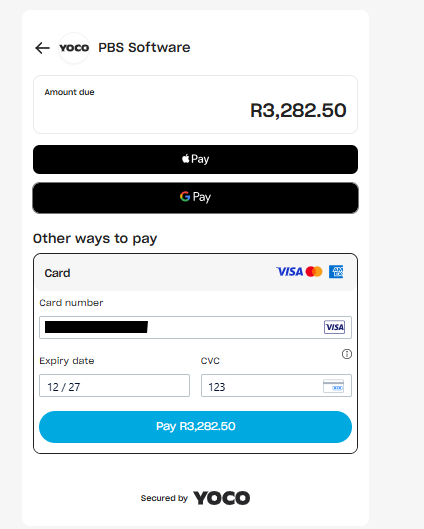
On sellecting Checkout, you will be redirected to the following YOCO screen where you must capture your card details for payment. Once details are succesfully captured , the Pay button will turn blue and you can proceed to pay. You can also clear your cart or remove items by selecting the Trash bin icon.
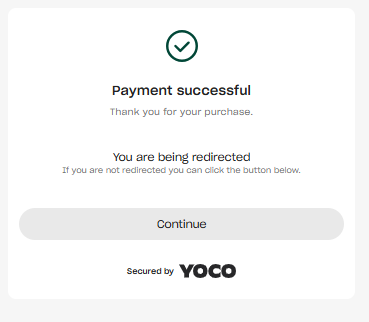
On succesfull payment the following screen will be displayed for couple of seconds before taking you back to the main page