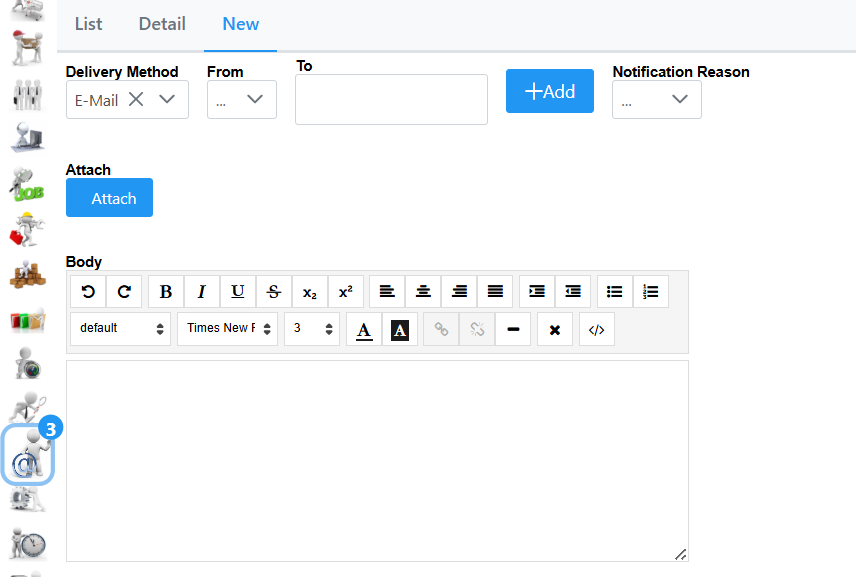
To add a new communication navigate to the New tab. Delivery method has 2 options either e-mail or Cell Phone. From will list the accounts currently set up in your system. In the To field you can type first few characters to bring up the names you would like to select, if the contact is not in the list, you can click the Add button and add the contact accordingly. Notification Reason gives to 6 templates to choose from which has been pre-defined on the system. You can attach a file by hitting the Attach Button. In the Body field you can type necessary information. A Send button will appear which enables you to send it.