
Selecting Template Notification Templates tab lists which templates are setup in the system as seen in following screen.
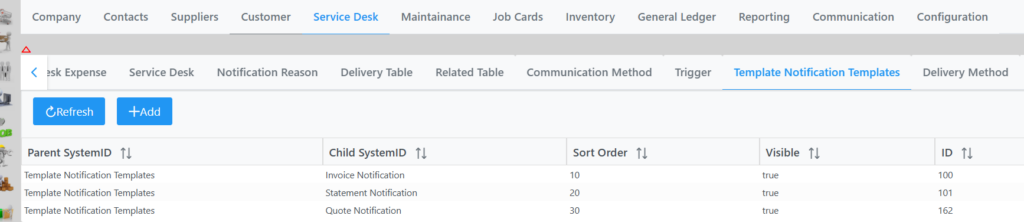
By selecting an item you can change the sort order and toggle visibility.
To add a Notification Template click the Add button twice, fill in Data string and Res String, click Submit, Save and Save to apply the changes.
You can also right click on an item to move it up or down, or Add one.