Selecting Service Desk Category shows the following screen.
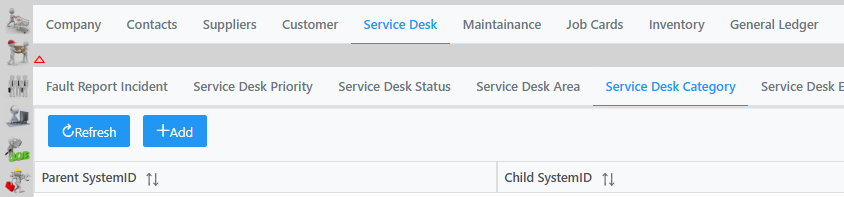
You can add a category by clicking Add twice and filling in the details in Data String and Res String, click submit and Save and Save again bottom right corner to update changes.

Selecting Service Desk Category shows the following screen.
You can add a category by clicking Add twice and filling in the details in Data String and Res String, click submit and Save and Save again bottom right corner to update changes.