
Selecting Notification Reason will list all notification reasons setup in the system as seen in next scree.
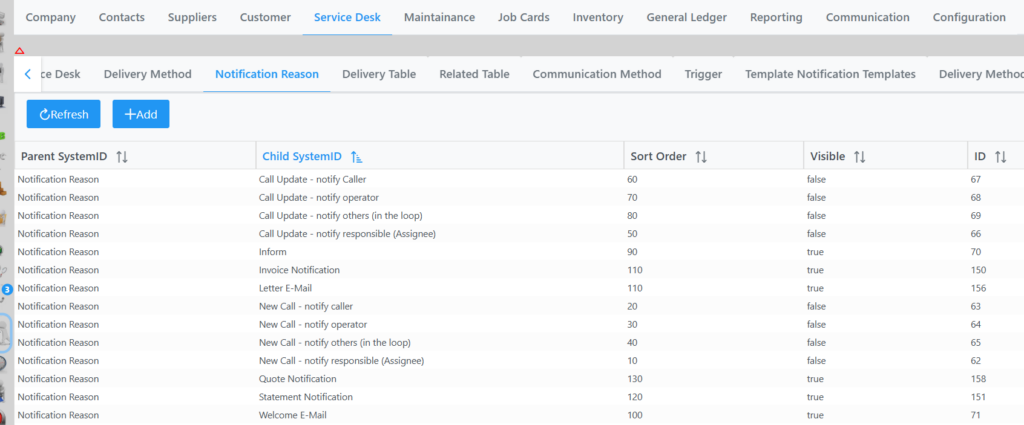
By selecting a reason you can change its’ sort order and toggle visibility.
To Add a new reason click Add twice, fill in the Data String and Res String, submit, Save and Save again bottom right corner