
Credit Terms display the following window with three default values set.
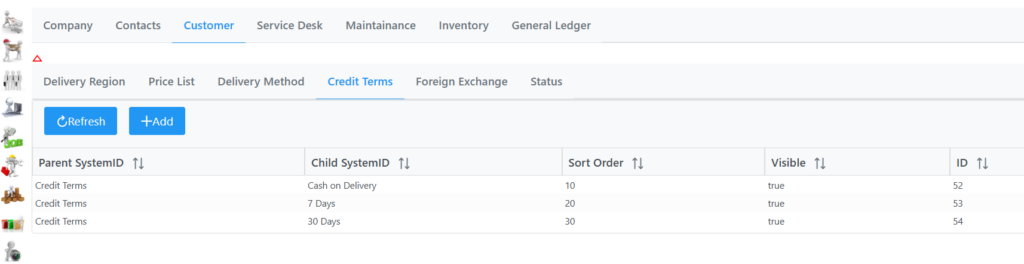
Selecting a line item allows you to change the sort order and toggle visibility on or off.
Select the Add button twice to add a new item. The following form will be displayed.
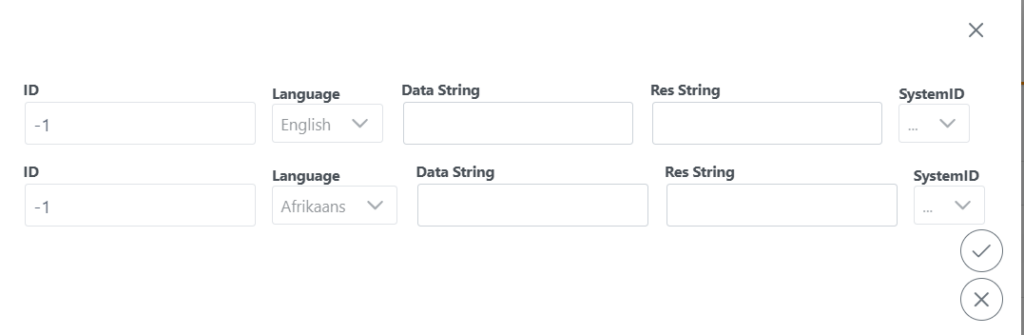
Data string would be a custom none visible value you need to input.
Res string would be a visible value ie 60 Days. Once entered click the submit button, save and Save bottom right corner. The new credit terms will now be available in the list.