
Contacts is where you give the relevant access to the relevant people using the system.
Select Contacts, System User, type first few characters in System user field and select contact, and select correct branch if more than one. The following screen will be displayed listing all the tabs where access can be specified.
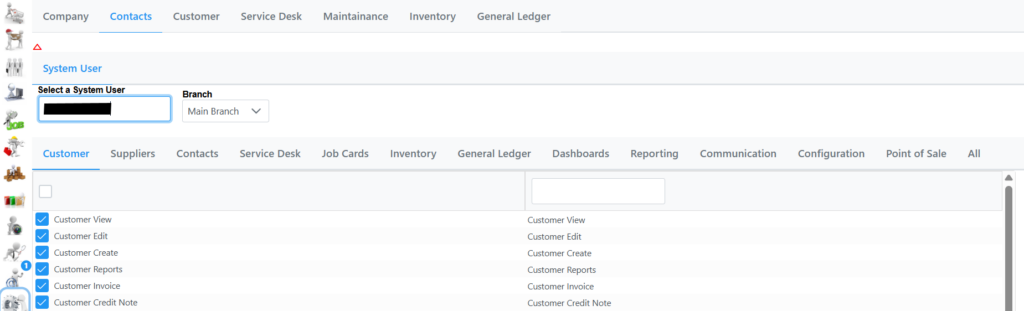
Selecting each tab will show all the different accesses available which is self-explanatory, select accordingly and click Save.